Windows 10 ESU Year 1 Ends October 13
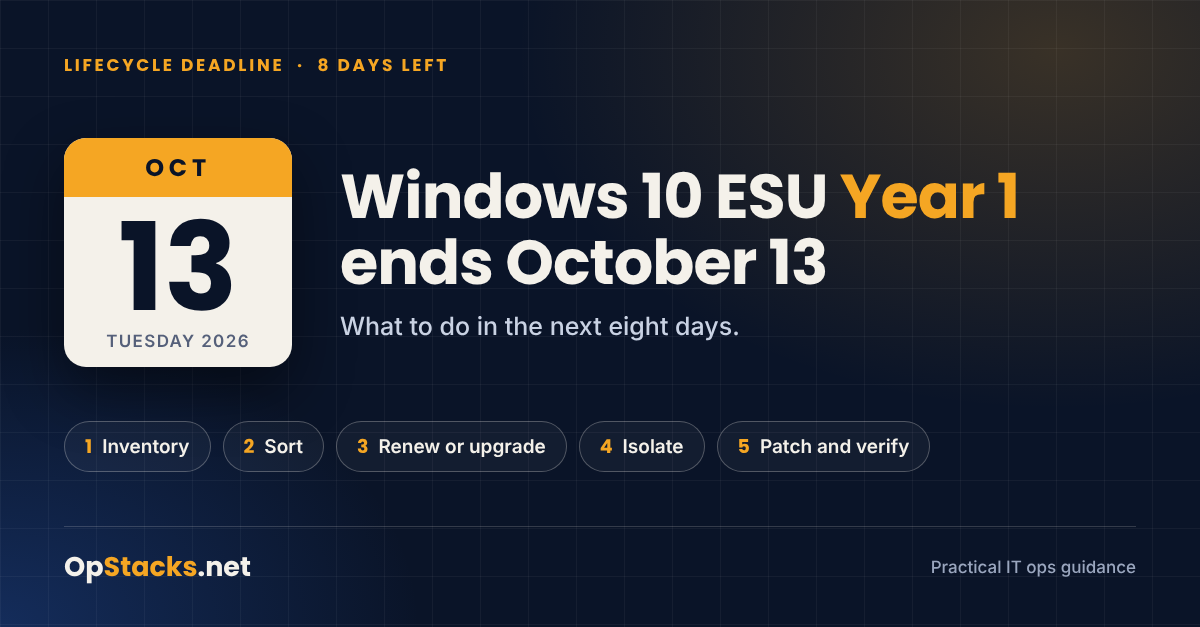
I have been in IT for over 20 years, and the deadlines that hurt the most are the ones everybody believes were handled a year ago. Windows 10 is one of those. Support ended in October 2025, many shops enrolled their remaining machines in Extended Security Updates (ESU) to buy some time, and that first year of time runs out on Tuesday, October 13, 2026.
That is eight days from today. Here is what the date means and what I would do with each of those days.
What ends on October 13
Home and small office PCs on consumer ESU. Microsoft's documentation states that October 13 is both the last day to enroll and the last day updates are delivered. There is no second consumer year.
Business PCs on commercial ESU. Year 1 coverage ends. Year 2 is available, however it is a separate purchase and the list price doubles from $61 to $122 per device. ESU is cumulative, so a device that skipped Year 1 pays for both years.
Windows Server 2012 and 2012 R2. The third and final ESU year ends the same day, and there is no fourth year to buy at any price.
Windows 10 Enterprise LTSB 2016. It reaches end of support on the same date. The LTSB and LTSC releases have their own lifecycles and are not covered by the Windows 10 ESU program.
The machines will still boot on October 14, but every vulnerability found after that date stays open on them.
The eight-day plan
Monday and Tuesday, October 5 and 6: find every Windows 10 machine. Pull the list from your RMM, Intune, Active Directory and anything else that sees endpoints, and do not trust the spreadsheet from last year. For each device record the version (ESU requires 22H2), the edition, and whether the ESU key is active. Running slmgr.vbs /dlv from an elevated prompt shows the ESU program name and a License Status of Licensed.
Wednesday, October 7: sort every machine into one of three buckets. Upgrade, for hardware that meets the Windows 11 requirements. Renew, for machines that have to stay on Windows 10 another year. Replace or isolate, for everything else, including anything on Server 2012.
Thursday and Friday, October 8 and 9: place the order and start the upgrades. The renew bucket goes first because purchasing takes time. Microsoft lists a separate activation ID for each ESU year, so plan on activating Year 2 on every device and do not assume the Year 1 key carries over. Before you pay, check where the machine lives, since Windows 10 virtual machines in Windows 365 and Azure Virtual Desktop receive ESU at no additional cost.
Saturday through Monday, October 10 to 12: isolate what cannot move and tell the owner. Segment those machines, remove direct internet access, restrict admin rights, and write it down as an accepted risk with a name and an end date next to it. Then send the client or business owner one page in plain English showing how many machines, which bucket, what it costs and when it will be done.
Tuesday, October 13: patch and verify. This is Patch Tuesday, so the final Year 1 updates ship that day. Install them, confirm they landed, and confirm the Year 2 license shows as Licensed on every machine in the renew bucket.
After the 13th
ESU is a bridge, and Year 2 at double the price is a good reason to set the date you plan to get off of it. Year 2 ends October 12, 2027, and Windows Server 2016 is next in line in January 2027, so the inventory you build this week will be used again in three months.
I write about deadlines like this one every week in the OpStacks Weekly Digest, and you can subscribe at OpStacks.net. If you handle the machines that cannot move in a different way, I would like to hear it. Let me know what you think.